...
Architectural Visualization

Rendering Drawing – Definition, Purpose & Workflow in Architectural Visualisation (2025 Edition)

Understand what a rendering drawing is, its role in architecture and visualization, and how to create one step-by-step using modern tools and workflows.

TT
TEELI Team
TEAM
3D Visualization Specialists
Jan 10, 2025
9 min read
Share this article:
Rendering drawing evolution from CAD blueprint to stylized architectural visualization workflow 2025

What is a Rendering Drawing?


While traditional architectural drawings focus on plan, elevation and section views with strict annotation and scale, a rendering drawing typically includes textures, lighting, shadows and ambience to help stakeholders see the design rather than read it.


According to Autodesk's guide on architectural rendering:


Thus, a rendering drawing sits between a traditional drawing and a full 3D render — often used in presentations, client pitches and early-design approvals. If you're interested in creating floor plan visualizations, check out our guide on rendered floor plans.


Why Rendering Drawings Are Important


Enhancing Communication with Clients


Rendering drawings translate architectural intent into visuals that non-experts can understand — materials, light, mood. Studies show stakeholders make faster decisions when they can "see" the space.


Reducing Design Risk & Cost


By visualising materials, lighting and spaces early, teams can detect issues with scale, proportions or clash of elements before costly revisions. Autodesk research cites major benefits of rendering in architecture: better quality, reduced change orders, clearer communication.


Marketing & Stakeholder Engagement


In competitive architecture and real-estate markets, imagery becomes language. As ArchDaily writes:


Rendering drawings show the design in its best light — physically and emotionally.


Rendering Drawing vs Traditional Drawing vs Full Render


Rendering drawings carry more visual refinement than technical drawings, yet are less resource-intensive than full animation renders. They often use stylised techniques like sketch overlays, coloured materials, or simplified lighting for faster production.


Step-by-Step Workflow for Creating Rendering Drawings


Step 1 – Gather Base Drawings & References


  • Collect CAD files (DWG, DXF), hand sketches, elevation views.
  • Confirm scale, materials and project brief.

  • Step 2 – Model Basic Geometry


  • Use tools like SketchUp, Rhino or Blender to build walls, windows, doors, stairs.
  • Keep a clean topology for later detailing.

  • Step 3 – Set Up Stylised View


  • Decide on viewpoint — isometric, axonometric, or perspective.
  • Apply materials (flat colours or simple textures) and set lighting.
  • For stylised rendering drawings, an ambient light + one directional sun works well.

  • Step 4 – Add Details & Atmosphere


  • Introduce furniture, finishes, people silhouettes or context to improve realism.
  • Add shadows, ambient occlusion, and light gradients.
  • Use overlay sketches or hand-drawn lines to merge drawing aesthetics.

  • Step 5 – Render & Post-Process


  • Render at sufficient resolution (at least 3000 px on smallest side).
  • In post, apply tone correction, colour balance, and add text/annotations.
  • Consider line-work overlays or subtle gradients to maintain drawing feel.

  • Step 6 – Delivery & Formats


    Provide clients with:


  • Flat image (JPG/PNG) with annotation
  • Sketch overlay version (PDF)
  • Optional interactive PDF or WebGL model

  • Complete 6-step architectural rendering drawing workflow from CAD blueprint input to final stylised visual output showing modeling in SketchUp Blender Rhino, material texturing setup, lighting configuration, detail refinement and post-processing with Photoshop for 2025 visualization pipeline

    Tools & Techniques for Rendering Drawings in 2025


  • SketchUp + V-Ray/Enscape — fast iteration and stylised visuals.
  • Blender (Freestyle + Cycles) — great for custom line rendering and free-to-use.
  • Rhino + Flamingo nXt / V-Ray — for precision modelling and stylised output.
  • Adobe Illustrator & Photoshop — for post-process overlays, line work, and presentation layout.

  • For a complete overview of tools and workflows used by professionals, see our article on 3D building designer skills and tools.


    Stylising Techniques

  • Use Freestyle in Blender to create line-work on 3D geometry.
  • Use flat colour material and coloured shadows for conceptual renderings.
  • Use overlay textures of hand-drawn pencil or ink for hybrid aesthetic.
  • Integrate sketch-style backgrounds or masks to retain drawing feel.
  • Use real-time renderers (Enscape, Twinmotion) for rapid project visuals and iteration.

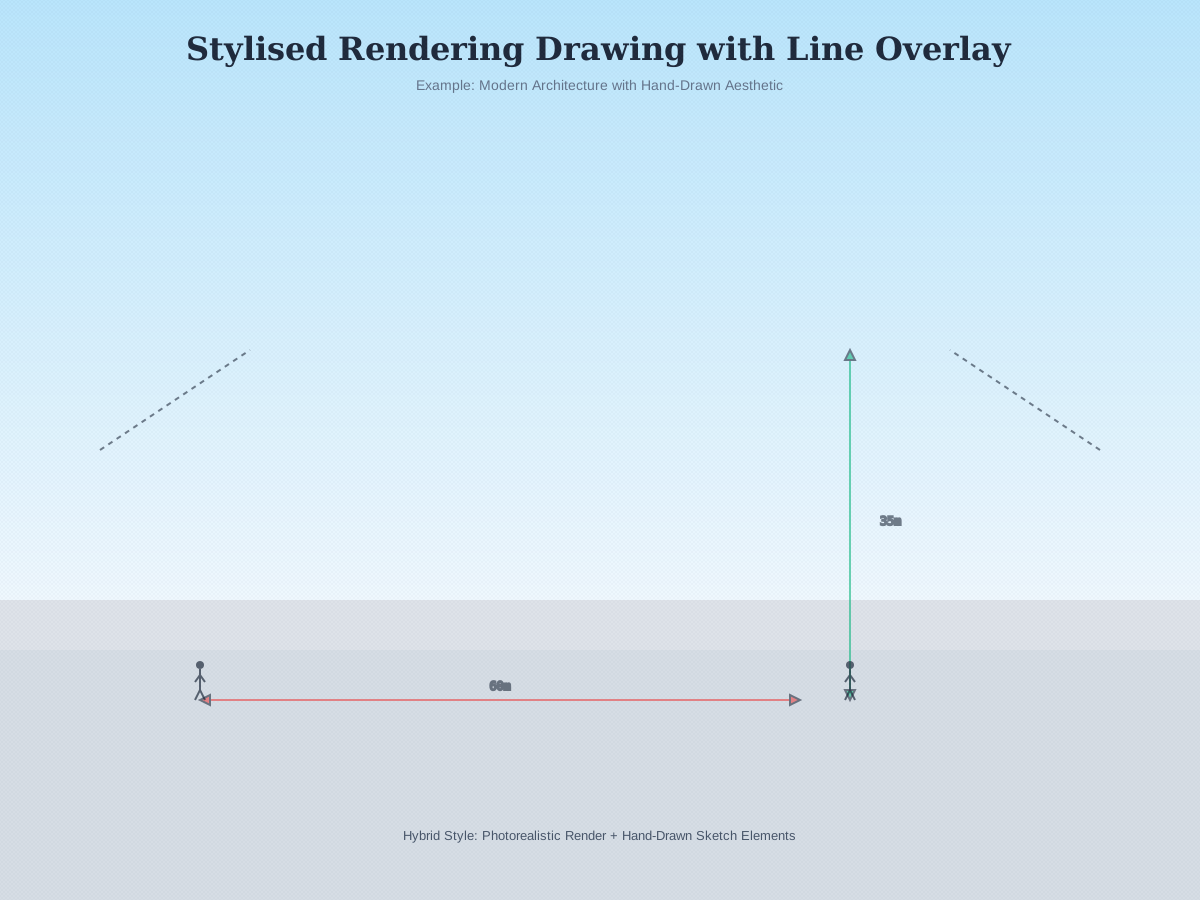
  • Stylised architectural rendering drawing example featuring modern building with watercolor aesthetic hand-drawn line overlay pencil texture sketch effect material callouts dimension annotations and hybrid photorealistic concept visualization technique for architecture presentation 2025

    Common Mistakes & How to Avoid Them


    Over-photorealising too early


    Mistake: Jumping to full photoreal before design is approved → wasted time.

    Fix: Start with stylised drawing, refine later.

    Poor scale or annotation


    Mistake: Visual looks good but dimensions or CAD mismatch → confusion.

    Fix: Lock scale from the CAD phase and keep annotations visible.

    Cluttered visuals


    Mistake: Too many props, textures and effects distract viewer.

    Fix: Keep fewer elements, emphasise key design moves.

    Ignoring client narrative


    Mistake: Visual doesn't reflect briefing or target audience.

    Fix: Align visual tone (sketch vs photoreal) with project stage and audience upfront.


  • AI-assisted line rendering & texture generation: Tools like D5 Render and Midjourney can generate sketch overlays from 3D geometry.
  • Real-time stylised export: With GPU ray-tracing, rendering drawings can be produced in minutes rather than hours.
  • Interactive drawing-to-render platforms: Sketch-on-tablet converts to 3D drawing with stylised render, for rapid concept presentation.
  • Hybrid drawing + VR/AR presentation: Leap from a 2D drawing into a virtual space using AR markers, aligning classical drawing aesthetics with immersive tech.

  • Future of architectural rendering drawings 2025-2030 featuring AI-powered holographic visualization real-time GPU ray tracing cloud rendering neural network style transfer AR preview VR immersive walkthrough and automated sketch overlay generation for next-gen architecture design workflow

    FAQ — People Also Ask