Room 3D Model — Step-by-Step Workflow, Best Formats & Professional Tools (2025)
Learn how to create a room 3D model from blueprint to export. Explore formats (GLB, USDZ, FBX), scanning methods, and the best modeling tools for 2025.

Why Room 3D Models Matter in Modern Design
A room 3D model is a digital replica of a real or conceptual space — used for architectural visualization, interior design, e-commerce, and AR/VR experiences.
From home decor brands showing furniture layouts to architects simulating lighting, these models bring spatial understanding to life. For professional rendering techniques, see our guide on realistic room rendering.
In 2025, 3D room models are used by:
Step-by-Step Workflow to Build a Room 3D Model
Creating a professional 3D model of a room involves several well-structured stages — from blueprint import to export optimization.
1. Importing Blueprints or References
Start with 2D floor plans or rough sketches. In Blender, use Import Images as Planes; in SketchUp, align scaled blueprints directly on axes.
Check proportions — every wall, window, and object must be true-to-scale (1 unit = 1 meter).
2. Modeling Geometry

3. Texturing, UV Mapping, and PBR Workflow
Texturing defines realism. Use PBR (Physically-Based Rendering) materials — diffuse, roughness, normal, and height maps.
4. Lighting & Camera Setup
Use a HDRI sky for natural light and add area lights for windows or lamps.
5. Rendering and Optimization
Render previews before final export.
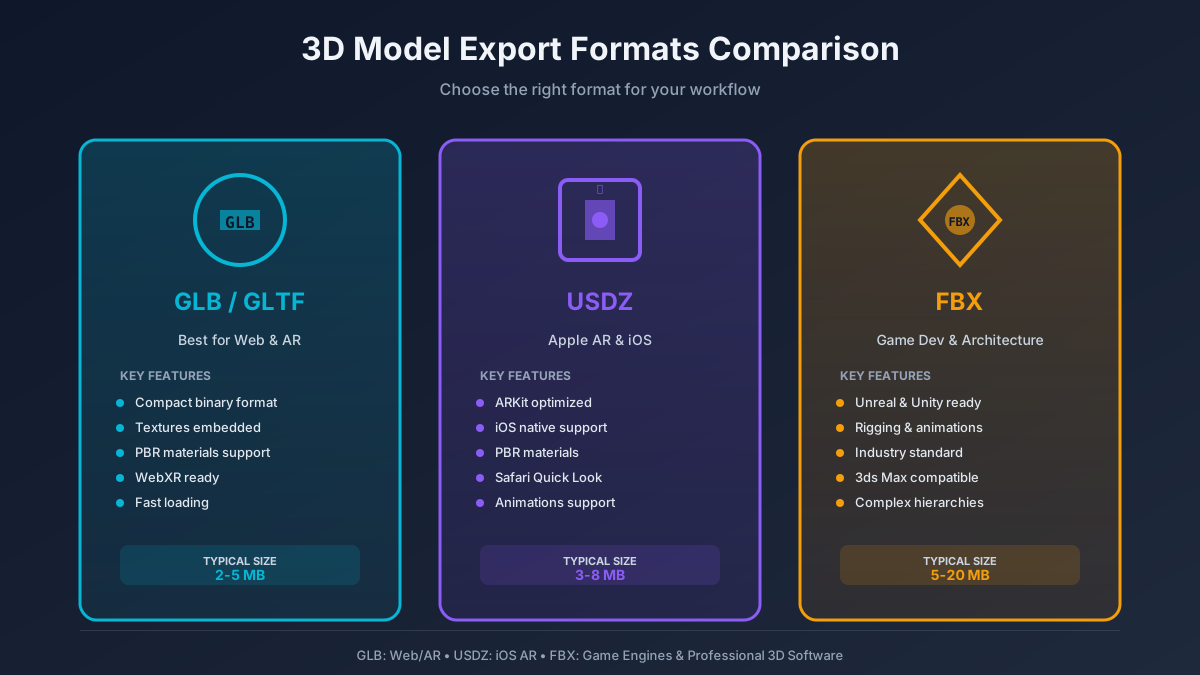
Finally, export the model optimized for web or AR use — GLB, USDZ, or FBX formats.
Choosing the Right File Format
The right format depends on your end goal — web, AR, or professional visualization.
Adobe's Substance 3D team recommends GLB for "universal AR compatibility and browser-based previews."
Scanning Real Rooms to 3D Models (Photogrammetry & LiDAR)
If your goal is to capture a real existing room, scanning technologies now make it accessible.
Photogrammetry
Take 80–150 overlapping photos of the space from different angles, then process them using:
LiDAR Scanning
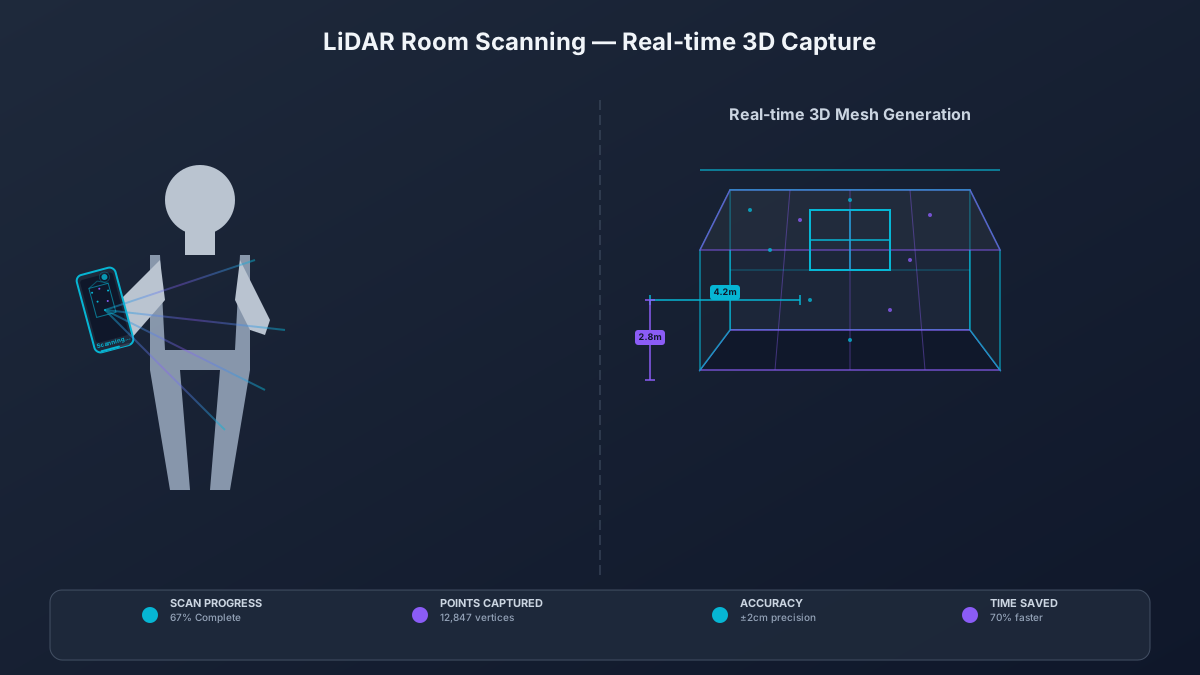
Use a LiDAR-enabled device (iPhone Pro, iPad Pro, or Matterport Pro 3).
The scan instantly generates a mesh with dimensions. Then clean it using Blender's Remesh or Decimate modifiers before export.
According to Instructables 2024, "LiDAR reduces modeling time by 70% for accurate room reconstruction."
Tools & Platforms for Room Modeling
Beginner-Friendly Platforms
Professional Tools
Best Practices for Realistic Room Models
Following these improves both rendering performance and Google 3D/AR indexing. For complete architectural workflows, see our guide on 3D house rendering.